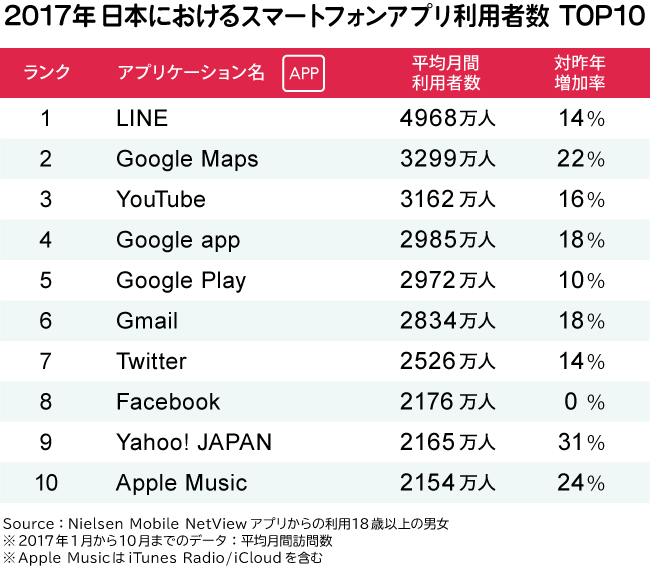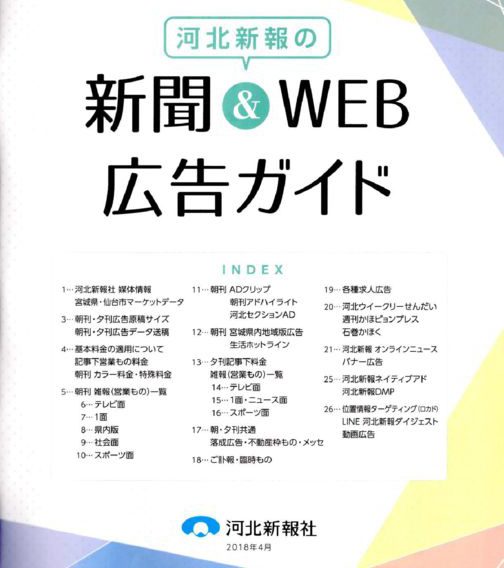

1、まず、スキャンした文字データとか、本をスキャンしたデータみたいな文字が中心な画像データ「JPEG」「PNG」「GIF」「PDF」をGoogle Driveにアップする。
2、WEBでGoogle Driveを開いて、アップした画像を右クリック。「アプリで開く」から「Google ドキュメント」を選択。
そうすると、画像だったデータがテキストファイルに自動で変換されるのだ。今まであったOCRのソフトは不要になるのだ。恐ろしいな、Googleは。

1、まず、スキャンした文字データとか、本をスキャンしたデータみたいな文字が中心な画像データ「JPEG」「PNG」「GIF」「PDF」をGoogle Driveにアップする。
2、WEBでGoogle Driveを開いて、アップした画像を右クリック。「アプリで開く」から「Google ドキュメント」を選択。
そうすると、画像だったデータがテキストファイルに自動で変換されるのだ。今まであったOCRのソフトは不要になるのだ。恐ろしいな、Googleは。